
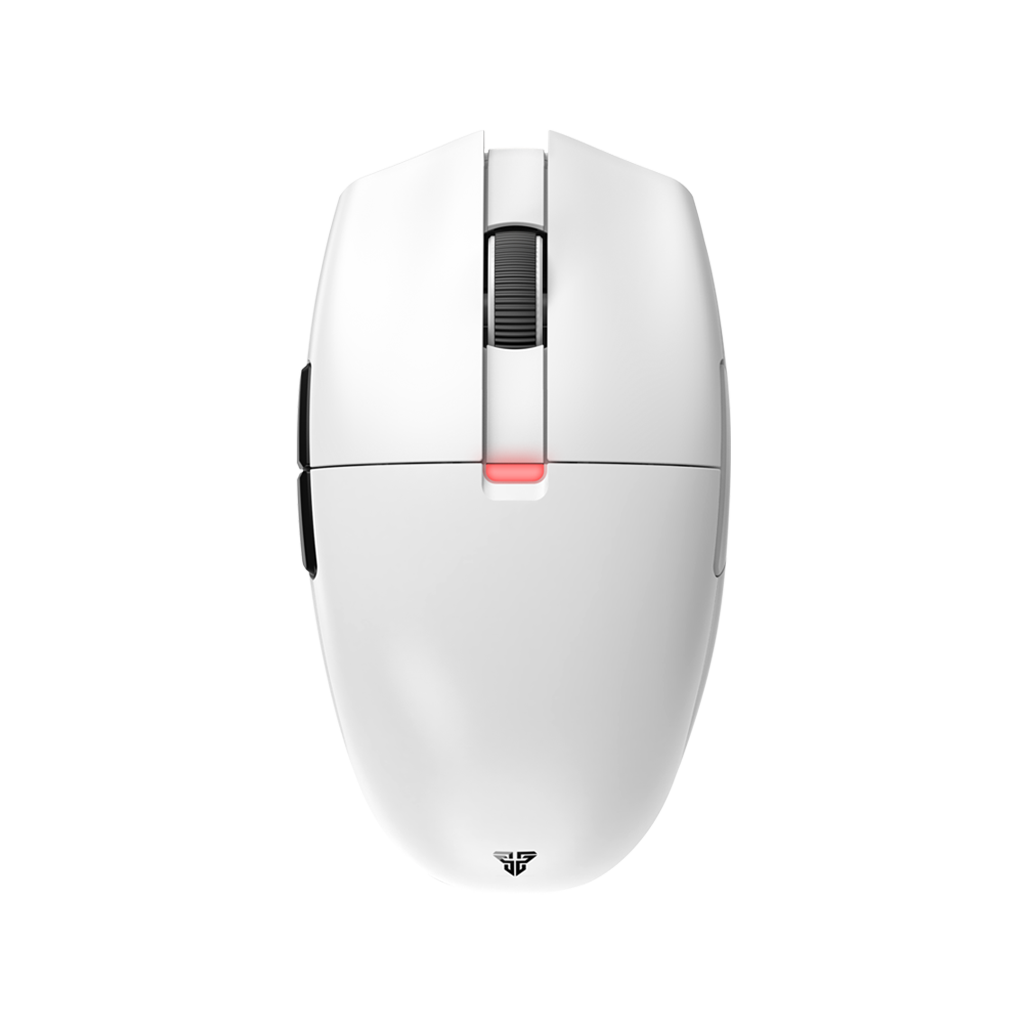
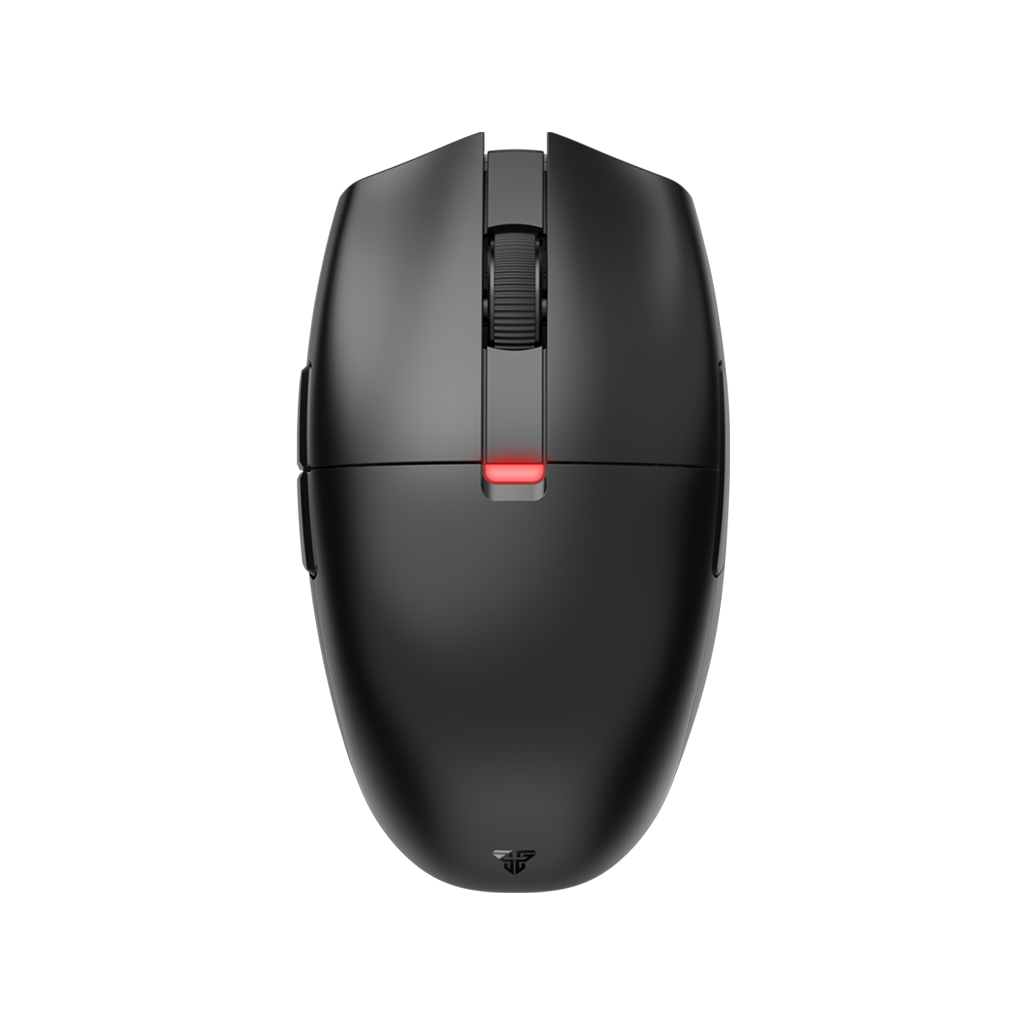

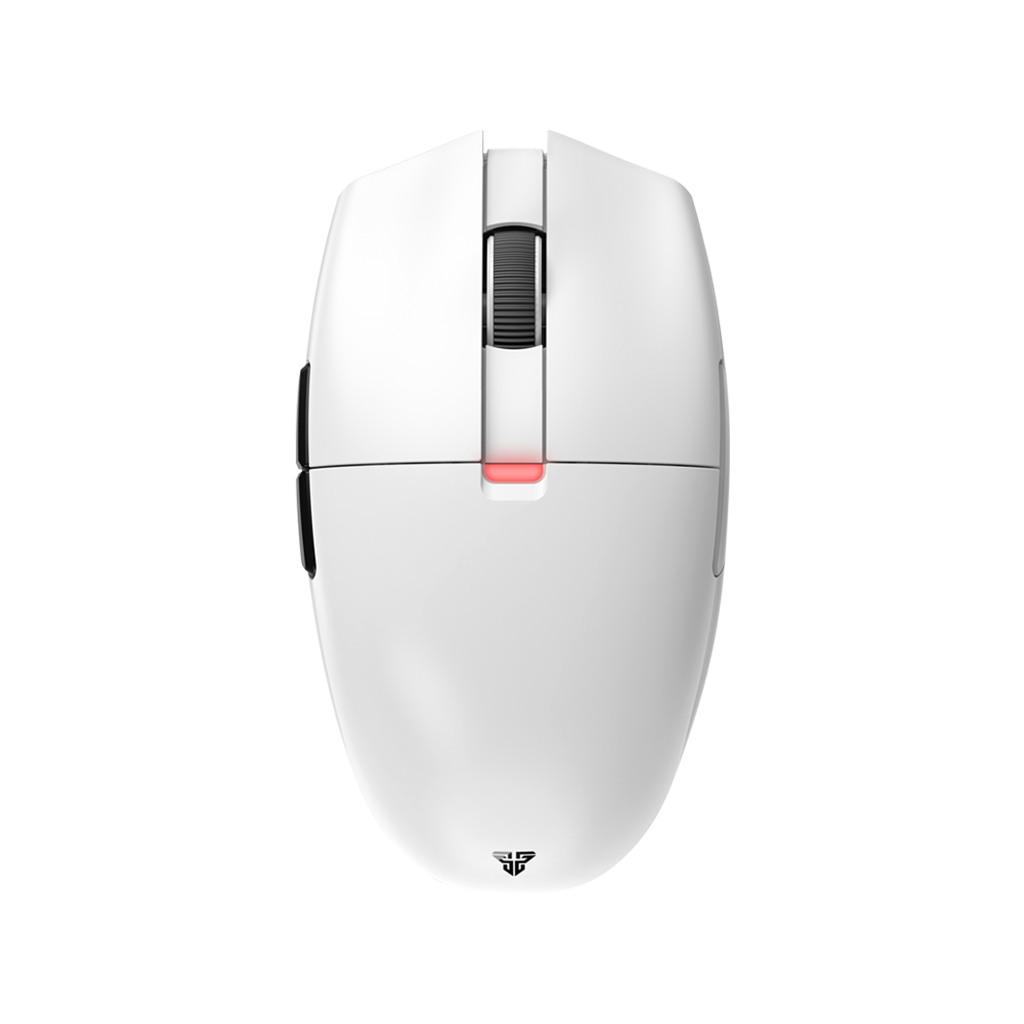


PTFEとガラス製マウスソールの比較:Fantech Ariaにはどちらが最適か?
ゲーミングマウスの滑らかさは、その下のマウスパッドとの相性で決まります。
軽量なマウスや優れたセンサー、高いポーリングレートを備えていても、底面のソール(マウスフィート)がマウスパッドやプレイスタイルと合っていなければ、エイムの操作感が重く感じたり、引っかかりが生じたり、コントロールが難しくなったりすることがあります。
だからこそ、マウスソールが重要なのです。
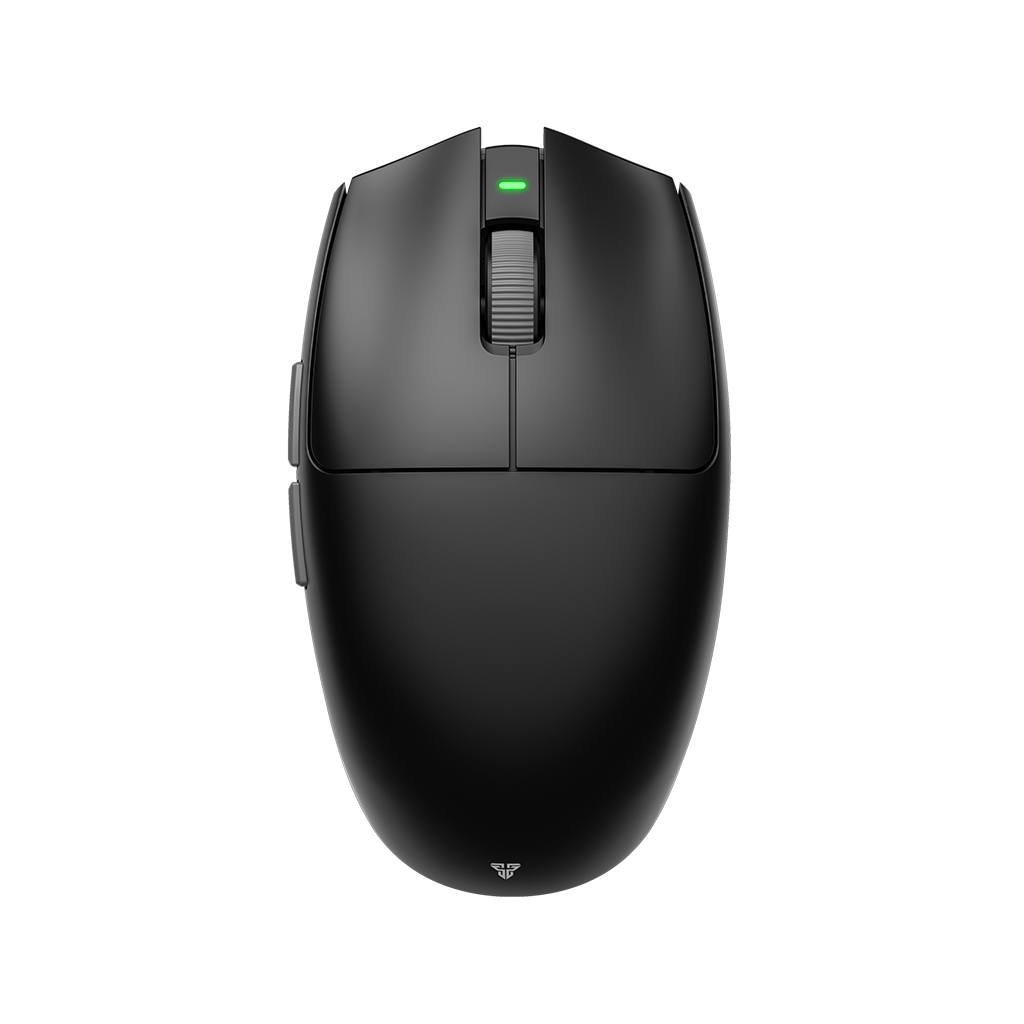
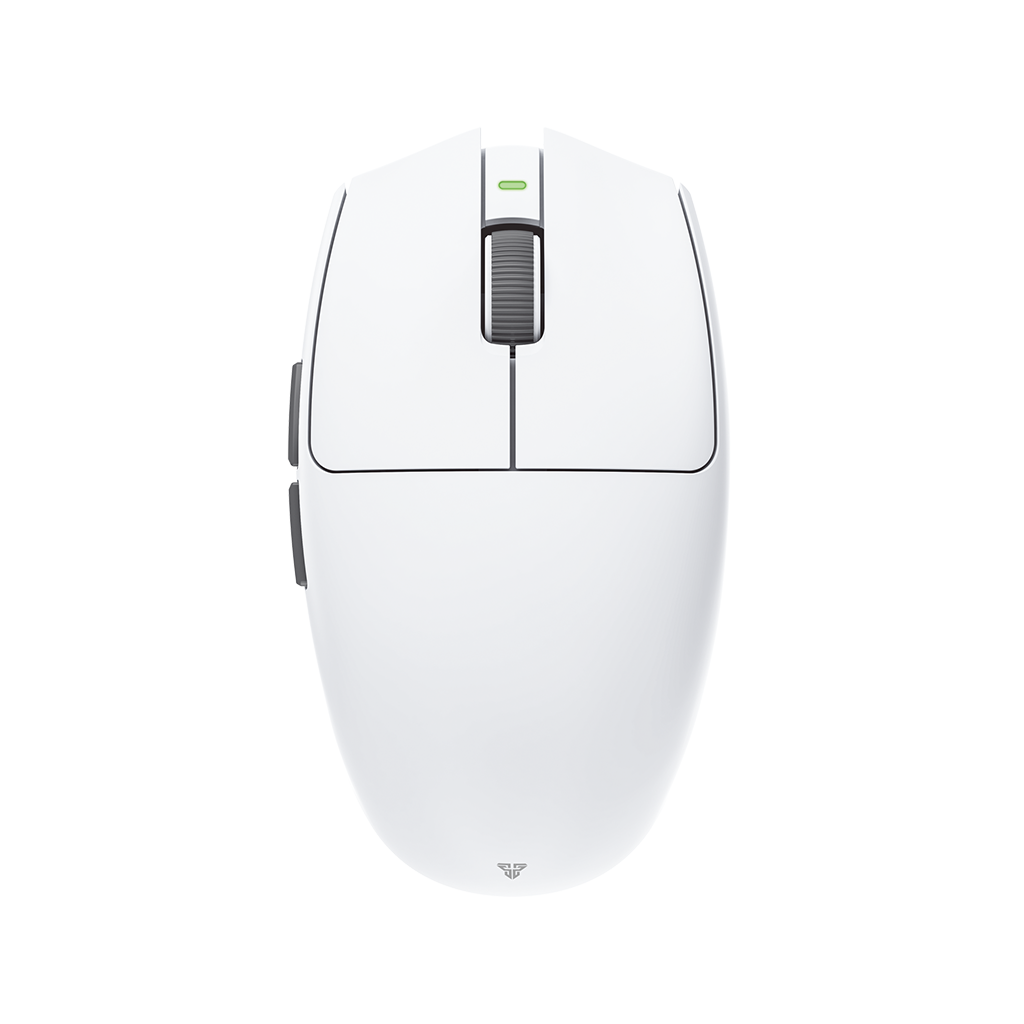
Fantech Ariaのユーザーは、以下の2つの方法でマウスの操作感を変えることができます:
-
Tiger Arc V1ソール:バランスのとれたPTFE素材の滑走感
-
Strikeskates:より高速なアルミノケイ酸塩ガラスによる滑走感
どちらもAria XD7シリーズ、Aria E、およびAria IIシリーズと互換性がありますが、操作感は異なります。本ガイドでは、PTFEソールとガラスソールの違いを解説します。ご自身のプレイスタイルに合ったセッティングを見つけましょう。
マウスソールとは?
マウスソール(マウスフィートとも呼ばれます)は、マウスの底面に貼られた滑らかなパーツです。
その役割はシンプルで、マウスとマウスパッドの間の摩擦を減らすことです。
しかし、その素材、形状、厚み、エッジの仕上げによって、ゲーム中のマウスの感触は大きく変わります。ソールを変えることで、コントロール性能を高めたり、操作をより軽くしたり、動き出しを速くしたり、止めやすくしたりすることが可能です。
マウスソールは必須のアップグレードではなく、チューニングパーツであると考えてください。最適な選択は、使用するマウスパッド、ゲームタイトル、感度、そしてスピードとコントロールの好みのバランスによって決まります。
PTFEソール vs ガラスソール:その違いは?
最大の違いは、マウスを動かし始めるときの感触です。
|
|
PTFEソール |
ガラスソール |
|
操作感 |
滑らかでバランスが良く、馴染みやすい | 高速、軽快、即応的 |
| 初動の摩擦 | 低い | 非常に低い |
| ストッピング性能 | コントロールしやすい | 低め(慣れが必要) |
| 適した用途 | 多くのプレイヤーと布製パッド |
スピードを求めるプレイヤー |
| 耐久性 | 経年劣化あり | 耐摩耗性に優れる |
| Fantechの選択肢 | Tiger Arc V1ソール | Strikeskates |
PTFEはほとんどのプレイヤーにとって安全な選択肢です。ガラスソールは、マウスをより速く、より自由に動かしたいと考えるプレイヤーのための思い切った選択肢となります。
Tiger Arc V1:バランスに優れたPTFEの選択

Tiger Arc V1ソールは、ゲーミングマウス愛好家の間で定評のあるブランド「ESPTiger」とFantechのコラボレーションにより誕生しました。
Tiger Arc V1は「Arc 1」シリーズに属し、布製マウスパッドでの馴染み深いストッピング性能を維持しつつ、より滑らかな滑走を求めるプレイヤー向けに設計されたバランスの良いPTFE製品です。
なぜTiger Arc V1を選ぶのか?
- 滑らかでバランスの取れた滑走感
- フリック操作後の停止時の優れたコントロール性能
- タクティカルシューターに適した馴染みのある操作感
- 摩耗した純正ソールからの信頼できるアップグレード
- 2セット入りで長く使えるコストパフォーマンス
Tiger Arc V1は、マウスを制御不能なほど速くするためのものではありません。マウスがマウスパッド上をより明確かつ一貫して動くようにするためのものです。
VALORANT、Counter-Strike 2、Rainbow Six Siegeなどの精密さが求められるゲームをプレイする多くのプレイヤーにとって、このバランスが重要となります。
STRIKESKATES:ガラス製スピードアップグレード

STRIKESKATESはアルミノケイ酸塩ガラス製で、エッジを丸く加工することで摩擦を低減させています。
これにより、少ない力でマウスを動かし始めることができます。
Tiger Arc V1が「バランス」を重視しているのに対し、STRIKESKATESは「スピード」を重視しています。
なぜSTRIKESKATESを選ぶのか?
- 低い静止摩擦
- より軽快なフリック操作と素早いスイープ
- トラッキング時の操作がよりスムーズに
- 標準のPTFEソールからの大きな変化
- 非常に高い耐久性を持つガラス素材
その結果、標準的なPTFEソールと比較して、速く滑らかで、まるで重さを感じないような滑走感を実現します。
Apex Legends、Overwatch 2、Fortnite、Call of Dutyのような、素早いトラッキングが重要なゲームを好むプレイヤーには特におすすめです。
STRIKESKATESの厚みは0.7mm、重量は1.5gで、エッジの丸いアルミノケイ酸塩ガラスを使用しています。
Tiger Arc V1 vs STRIKESKATES:どちらを選ぶべきか?
バランスの取れたアップグレードを求めるなら、Tiger Arc V1を選びましょう。ストッピング性能を維持しながら、より滑らかな動きを求めるプレイヤーや、初めてマウスソールを交換する方にとって最適な選択肢です。
スピードを重視するなら、STRIKESKATESを選びましょう。低い静止摩擦と素早いフリック、即座に反応する滑走感を得たいプレイヤー向けです。慣れが必要ですが、Ariaの操作感を劇的に変えることができます。
| Tiger Arc V1がおすすめな人: | STRIKESKATESがおすすめな人: |
| バランスの取れたPTFEの滑走感を求める方 | 高速なガラスの滑走感を求める方 |
| 確かなストッピング性能を維持したい方 | 動き出しの摩擦を最小限にしたい方 |
| 最初のソール交換で失敗したくない方 | 劇的な操作感の変化を求める方 |
| FPSで定番のセッティングを好む方 | スピード特化のセッティングを求める方 |
| 2セット交換用が欲しい方 | 耐久性の高いガラスソールを使いたい方 |
マウスパッドも重要?
はい、マウスパッドはソールと同じくらい重要です。
ソールは使用する表面によって性能が異なります。布製マウスパッドは一般的にコントロール性とフィードバックが優れており、ハードタイプやハイブリッドタイプはスピードが出やすい傾向があります。ガラス製パッドは、これらとは全く異なる体験を提供します。
布製マウスパッドを使用するほとんどのプレイヤーには、Tiger Arc V1をおすすめします。
布製パッドや対応するハードパッドでスピードをより出したいプレイヤーには、STRIKESKATESが非常に速い滑走感を提供します。
ガラスソールが「常に優れている」わけではない点に注意してください。ガラスソールは停止時の摩擦が小さいため、慣れるまで時間がかかる場合があります。
また、マウスパッドメーカーが特に推奨していない限り、ガラスソールとガラス製マウスパッドの組み合わせは避けてください。ガラス同士の組み合わせはノイズが大きく、予期せぬ摩耗を引き起こす可能性があります。
マウスソールはエイムに良い影響を与えるか?
マウスソールを変えるだけで、自動的にエイムが上手くなるわけではありません。
しかし、ソールを変えることで、自分にとって一貫した操作感を作り出すことができます。
マウスの動きが引っかかったり、重く感じたり、あるいは劣化して動き出しが悪かったりする場合、ソールを交換することで体験が大きく向上します。ただし、スピードだけが常に正解とは限りません。
コントロール性を重視する方がエイムしやすいプレイヤーもいれば、トラッキングのためにスピードを好むプレイヤーもいます。最高のソールとは、使用するマウスパッド、感度、ゲームタイトル、そして個人の好みに最も一致するものです。
マウスソールの交換方法
- プラスチック製のツールや爪を使って、古いソールを慎重に剥がします。
- マウス底面の残った粘着剤やホコリをきれいに拭き取ります。
- 表面が完全に乾いていることを確認します。
- 新しいソールを凹みの位置に合わせて慎重に配置します。
- 軽く均一に押し付けて固定します。
- DPIやゲーム内の感度設定を変更する前に、通常のマウスパッドでテストを行います。
一度剥がしたソールを繰り返し貼り直すのはやめましょう。粘着力が弱まり、配置がずれる原因となります。
Ariaに最適な滑走感
Ariaはすでに軽量でレスポンスの良いゲーミングプラットフォームを提供しています。適切なソールを選ぶことで、そのプラットフォームの操作感を自分好みにチューニングできます。
ESPTigerと共同開発された滑らかでバランスの良いPTFEソールを求めるなら、Tiger Arc V1を選びましょう。
動き出しが軽く、スピード感のあるアルミノケイ酸塩ガラスソールを求めるなら、STRIKESKATESを選びましょう。
あなたのマウスパッド、プレイするゲーム、そして好みが、最適な答えを決めてくれます。